SystemSage
A native Windows diagnostic CLI that turns system information into readable answers—without a heavyweight monitoring suite.
- Download
- ~27 KB
- Runtime
- Built into Windows
- Background services
- None
- Telemetry
- None
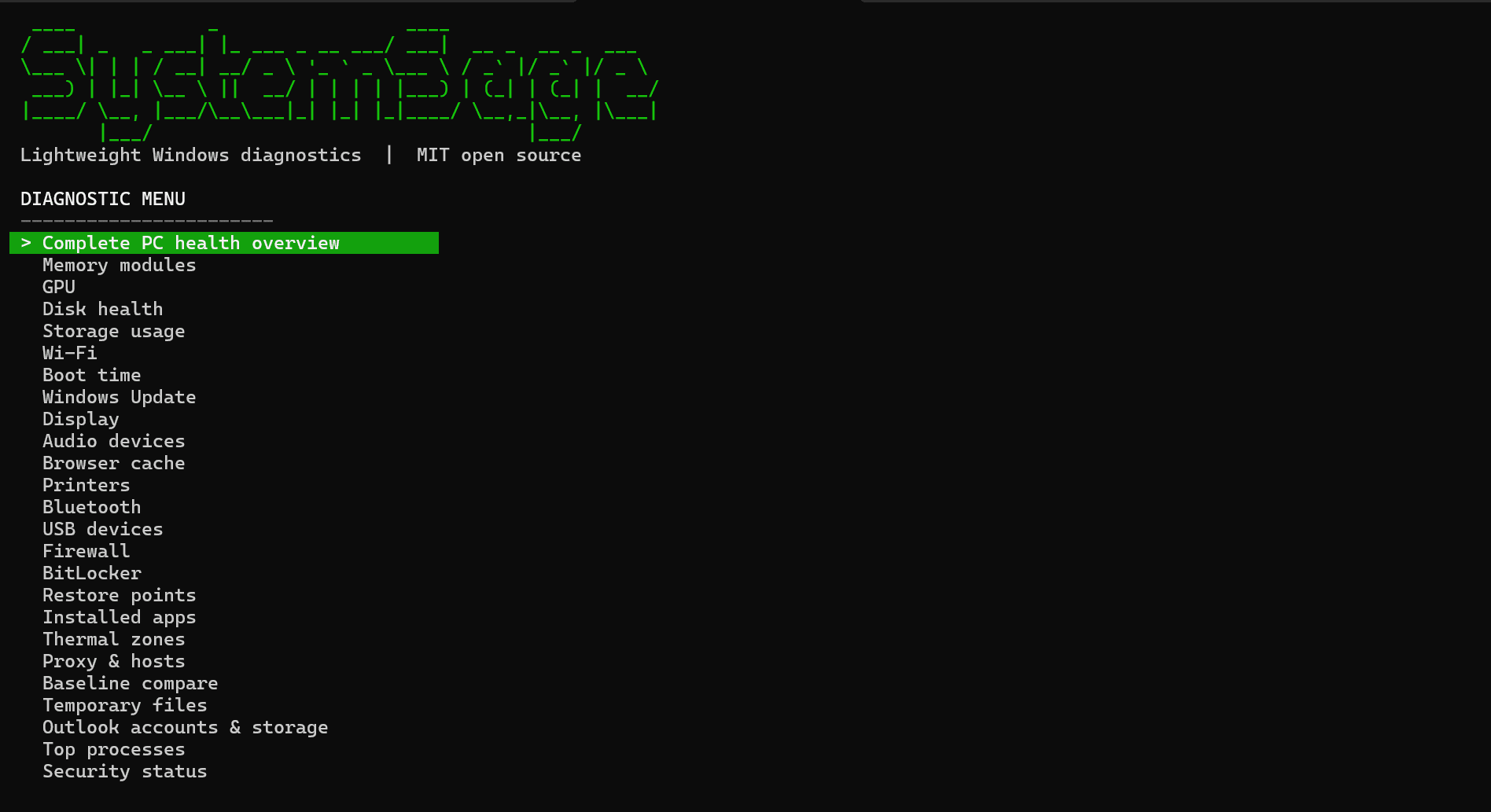
Useful diagnostics should be understandable and immediate.
Windows exposes rich system data, but finding it usually means jumping between settings, management consoles, and commands. SystemSage gathers those signals into one keyboard-driven interface with human-readable results.
It stays deliberately small: one native executable, no package manager for users, no account, no cloud service, and no resident agent consuming resources in the background.
One tool for the questions that matter.
Complete PC health overview
Memory, GPU, disk, battery, and storage diagnostics
Wi-Fi, firewall, BitLocker, startup, and security checks
Windows Update, device, application, and event-log inspection
Stable JSON output for scripts and automation
Visual PDF health reports with plain-English guidance
Saved baselines and before-and-after comparisons
Explicit, confirmed cleanup for old temporary files
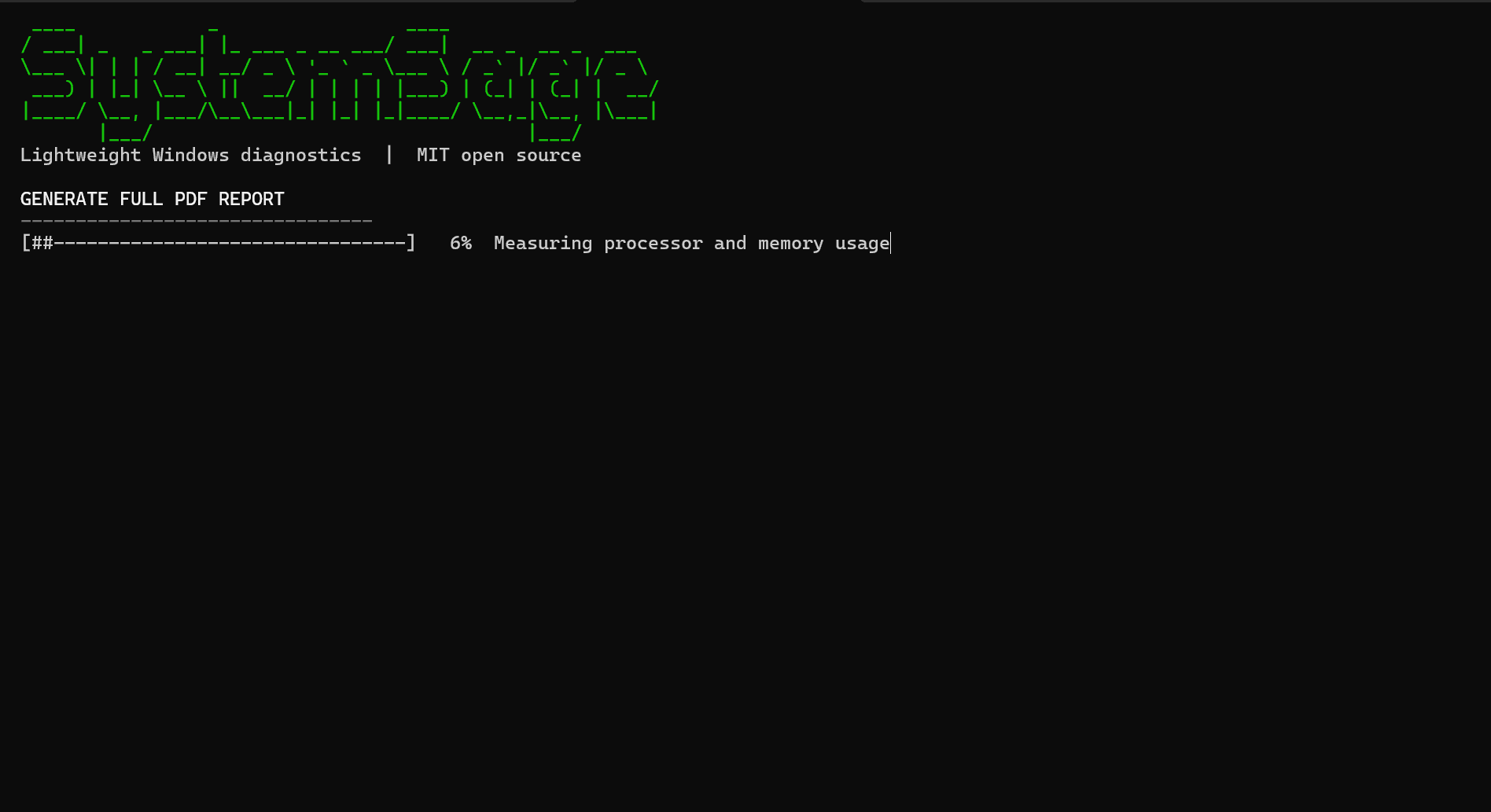
From a live check to a clear health report.
The complete diagnostic collects system signals stage by stage, then creates a visual PDF dashboard with a health score, metric bars, recommendations, plain-English guidance, and a technical appendix.
- Interactive output for people
- Stable JSON output for automation
- Local-first and read-only by default
One command. No administrator account required.
irm https://raw.githubusercontent.com/cyrstrstn/systemsage/main/scripts/irm-install.ps1 | iexExplore the source